Clever Cleaner App Review 2026: Free iPhone Cleaner App
Clever Cleaner tackles the part of iPhone storage most people can actually fix: an overloaded photo library. Its useful free allowance, unlimited Swipe mode, local processing, plus unusually calm interface make it easy to recommend.
Clever Cleaner is one of the better free ways to sort an overgrown iPhone camera roll. It groups similar photos, surfaces large videos, handles screenshots, compresses media, plus offers an unlimited manual Swipe tool. Premium removes daily limits, though many people can stick with the free plan.
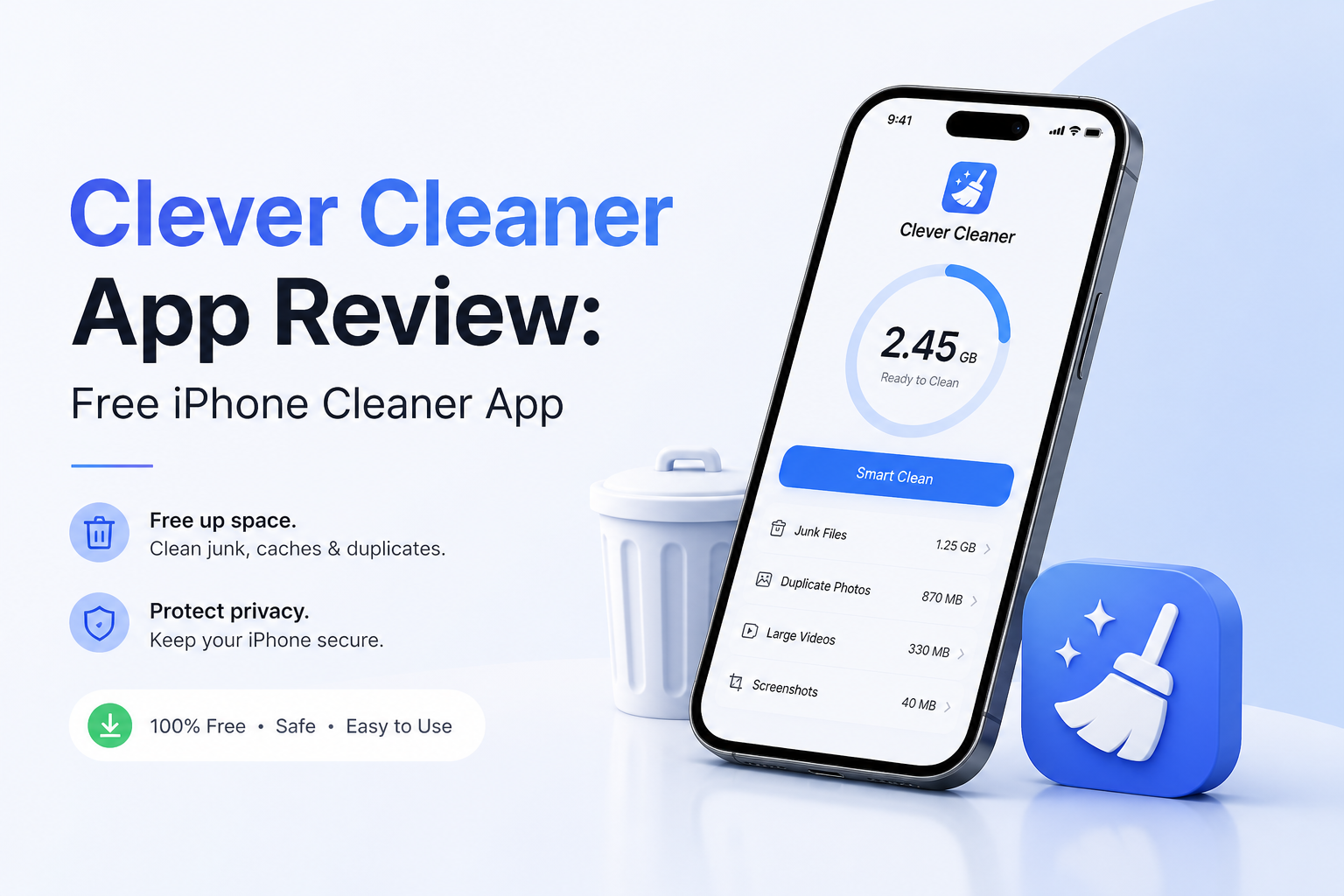
Clever Cleaner at a Glance
9.1/10Clever Cleaner is an iPhone app for finding similar photos, bulky videos, old screenshots, plus space-hungry Live Photos. It helps you delete or compress media without pretending it can purge protected iOS system files.
Best foriPhone owners with years of burst shots, screenshots, Live Photos, or oversized videos
- Similar-photo grouping with Best Shot suggestions
- Large video sorting plus media compression
- Screenshot plus Live Photo cleanup
- Unlimited left-or-right Swipe review
- On-device photo processing
- Practical free allowance
- No advertising during use
- Local photo analysis
- AI selections still need review
- Limited to photo-library media
- Weekly Premium gets costly
How We Evaluated Clever Cleaner on an iPhone Photo Library
We reviewed each cleanup path separately rather than tapping one mass-delete button. The pass covered similar-photo grouping, large-media sorting, screenshots, Live Photo conversion, Swipe, compression, the Skip List, plus the Recently Deleted handoff.
Scores favored accurate organization, understandable choices, reversible deletion, realistic free access, plus privacy. We deducted points where AI could not understand sentimental value, where public details about daily limits stayed vague, or where an extra iOS step was required.
When Clever Cleaner Is the Wrong iPhone Cleanup Tool
Do not install it expecting a cache scrubber, antivirus utility, RAM booster, contact manager, or app uninstaller. iOS restricts what third-party cleaners can touch, while Clever Cleaner sensibly focuses on the Photos library.
It is also unnecessary for a small, carefully maintained library. Apple Photos already has a Duplicates album, while Settings can offload unused apps. Clever Cleaner becomes useful when near-identical shots, screenshots, plus large videos create more work than Apple’s built-in tools comfortably handle.
Clever Cleaner for iPhone: How It Scored by Category
| Category | Performance | Score |
|---|---|---|
| 01 Photo Detection | 9.4/10 | |
| 02 Cleanup Controls | 9.2/10 | |
| 03 Privacy & Safety | 9.3/10 | |
| 04 Ease of Use | 9.0/10 | |
| 05 Plans & Free Tier | 8.7/10 |
Clever Cleaner Photo Cleanup Tools in Detail
01 Photo Detection
Strong grouping with a necessary human check
9.4/10
Photo Detection
Strong grouping with a necessary human check
Clever Cleaner’s most useful trick is not finding exact duplicates. Apple Photos already covers those. The app earns its place by grouping visually similar shots, such as several portraits taken seconds apart, then identifying a suggested Best Shot.
The group layout makes a large library less tiring to inspect. Still, the suggested keeper is only a suggestion. A sharp expression can matter less than a slightly blurry photo with personal value, so we would not approve every group without looking.
- Groups near-duplicates that Apple Photos may leave separate
- Best Shot labels give each group a clear starting point
- Separate views cover screenshots, Live Photos, plus heavy media
- Skip List protects files from later cleanup passes
- Best Shot choices can miss personal context
- A large first scan requires patience plus full Photos access

02 Cleanup Controls
Automation when useful, manual review when it matters
9.2/10
Cleanup Controls
Automation when useful, manual review when it matters
There are two sensible paths. Smart Cleanup handles batches by keeping selected photos, compressing screenshots, or stripping the motion portion from Live Photos. Swipe takes the slower but safer route, letting you move left to delete or right to keep.
Swipe has no daily limit, which matters more than it sounds. You can clean one month at a time during a commute instead of making a risky decision about thousands of photos in one sitting.
- Unlimited Swipe mode supports careful manual sorting
- Smart Cleanup options can be switched on or off
- Large files are sorted by size for faster space recovery
- Compression offers an alternative to outright deletion
- Smart Cleanup can encourage overly broad selections
- Removing the motion part of a Live Photo cannot preserve the original experience
03 Privacy & Safety
Local processing backed by a recoverable deletion step
9.3/10
Privacy & Safety
Local processing backed by a recoverable deletion step
Photo analysis is described as running locally on the iPhone rather than uploading the library for cloud processing. That is the right model for an app receiving broad photo access.
Deleted items first enter the Photos app’s Recently Deleted album. This creates a useful recovery window, though storage is not fully reclaimed until that album is emptied. Review it once more before permanent removal.
- Photo analysis stays on the device
- Recently Deleted provides a recovery window
- Skip List can exclude irreplaceable media
- The app does not claim to clean call logs, browser data, or system cache
- Full photo access is required for complete scanning
- Users can still permanently erase a mistaken selection from Recently Deleted
04 Ease of Use
Focused tools without unrelated phone-utility clutter
9.0/10
Ease of Use
Focused tools without unrelated phone-utility clutter
The app stays centered on photos plus videos. Similars, large media, screenshots, Live Photos, Swipe, compression, plus Smart Cleanup have clear purposes. There are no battery animations, network meters, or vague speed-boost buttons competing for attention.
The main friction appears after deletion. iOS moves media to Recently Deleted, so a complete cleanup requires a second trip into Photos. That extra step is safer, but new users may wonder why the storage number has not dropped immediately.
- Clear categories reduce hunting through the camera roll
- Large media sorting puts likely space savings first
- No advertising interrupts review sessions
- Requires iOS 16.0 or later
- Permanent deletion requires a separate Photos step
- iPad use relies on compatibility mode rather than a dedicated tablet layout
05 Plans & Free Tier
Plenty for routine cleanup, with paid unlimited access
8.7/10
Plans & Free Tier
Plenty for routine cleanup, with paid unlimited access
Clever Cleaner costs $0 to install. The free version includes a daily allowance for its main cleanup tools, while manual Swipe use remains unlimited. That is enough for gradual camera-roll maintenance without starting a trial.
Heavy one-day cleanups may run into the allowance. In the US App Store, Premium is listed at $6.99 per week after a three-day trial or $39.99 for lifetime access. The lifetime option makes more sense than keeping a weekly cleaner subscription for several months.
- Free daily use covers recurring maintenance
- Unlimited Swipe works without Premium
- No ads during cleanup
- Lifetime purchase avoids an ongoing bill
- Exact daily allowances are not clearly stated on the public product page
- The $6.99 weekly plan becomes expensive if left active
What Clever Cleaner Users Say
One App Store reviewer said the similar-photo clusters helped them stay focused, though they did not always agree with the app’s preferred image.
A month-long community review praised Similars plus large-file sorting, while stressing that the writer still reviewed important groups before removal.
A Reddit commenter called the recommendation useful for making photo cleanup easier. Another commenter questioned letting AI choose which personal images should go.
An App Store reviewer liked the local-processing approach plus lack of a forced paywall, describing the app as easy to use.
Should You Get Clever Cleaner?
Clever Cleaner is worth installing if photos or videos consume most of your iPhone storage. The free daily allowance suits small recurring cleanups, while unlimited Swipe mode gives cautious users direct control. Skip it if you need contact merging, app removal, browser cleanup, or system-cache tools, since those are outside its scope.
Start with one month in Swipe mode, then inspect Recently Deleted before emptying it. Move to Smart Cleanup only after you understand how the app groups your photos.