SwipeWipe Photo Cleaner App Review 2026
SwipeWipe turns photo deletion into a simple left-or-right routine. The routine works, though its ads, free-use limits, privacy label, plus subscription pricing make it hard to recommend.
SwipeWipe is pleasant for sorting photos one at a time, especially by month. Still, Clever Cleaner offers unlimited manual swiping, duplicate detection, large-video tools, plus broader cleanup features without requiring payment for routine use.
The biggest concern is paying as much as $9.99 per week for a narrow photo-sorting workflow that cheaper tools can match or exceed.
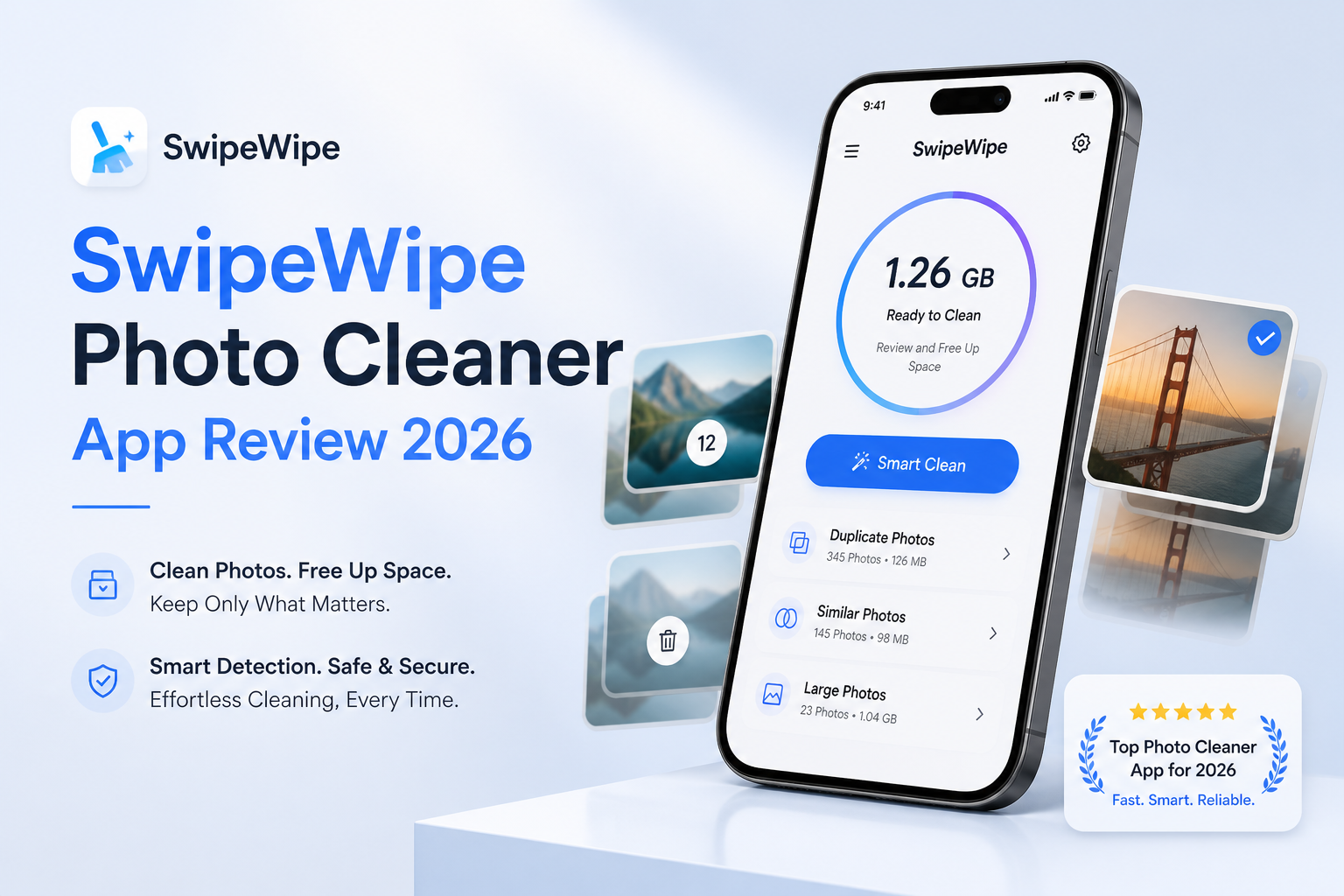
SwipeWipe Photo Cleaner at a Glance
5.4/10SwipeWipe is an iPhone or iPad utility for reviewing photos with left-or-right gestures. It also surfaces screenshots, similar shots, memories, plus photo locations.
Best forPeople who want to revisit old photos slowly by month, not users chasing the quickest storage cleanup
- Swipe left to delete or right to keep
- Monthly camera-roll organization
- On This Day memories
- Similar-photo or screenshot discovery
- Location-based memory map
- Simple photo decisions
- Good monthly organization
- Useful memory features
- High weekly price ceiling
- Ads or waits can disrupt free sessions
- Narrower cleanup range than Clever Cleaner
SwipeWipe Photo Cleaner Features, Limits, Privacy, Plus Pricing in Detail
01 Manual Photo Sorting
The basic swipe mechanic remains its best feature
7.8/10
Manual Photo Sorting
The basic swipe mechanic remains its best feature
SwipeWipe gets its central interaction right. A left swipe marks a photo for deletion, while a right swipe keeps it. Sorting by month makes a huge library feel less intimidating because you can tackle one period instead of staring at one endless grid.
The app also offers On This Day memories, bookmarks, a location map, plus quick access to screenshots or similar images. The trouble is repetition. Reviewing 2,000 vacation photos one by one still feels like work, even with satisfying gestures.
- Clear left-to-delete control
- Monthly groups make large libraries less daunting
- Bookmarks postpone difficult choices
- On This Day adds a useful daily cleanup habit
- One-at-a-time review becomes tedious with huge libraries
- Accidental swipes require extra attention
- The workflow saves less time than automatic similarity grouping
02 Cleanup Tool Range
More capable than the old version, yet still photo-centered
4.9/10
Cleanup Tool Range
More capable than the old version, yet still photo-centered
SwipeWipe now goes beyond plain swiping with similar-photo groups, blurry-shot discovery, screenshot cleanup, a memory map, plus photo enhancement. Those additions help, but the experience remains centered on manually judging camera-roll items.
It is less useful when storage is being swallowed by large videos, bulky Live Photos, or repeated takes that need fast size-based triage. Clever Cleaner surfaces large videos, groups duplicates or similar shots, compresses media, plus converts Live Photos to smaller still images.
- Finds screenshots or visually similar photos
- Includes a memory map
- Photo enhancement may help a few older images
- Limited storage-management depth
- Manual decisions remain central to most cleanup
- No equally strong large-video dashboard
03 Free-Use Experience
Usable, though interruptions spoil the quick-cleanup idea
4.6/10
Free-Use Experience
Usable, though interruptions spoil the quick-cleanup idea
The free version lets you understand the app before paying. That matters because some people only need a small monthly cleanup. Current App Store feedback, however, describes waiting periods, album limits, plus ads used to bypass some interruptions.
That friction works against the whole pitch. A swipe cleaner should let you sit down for 20 minutes, build momentum, then finish a batch. Clever Cleaner is less restrictive for this exact task because its manual Swipe mode has no daily limit.
- Core swiping can be tried without an upfront purchase
- Short cleanup sessions remain possible
- Ads may unlock continued use in some situations
- Wait timers interrupt longer sessions
- Advertising slows repetitive sorting
- Free access feels less predictable than an unlimited swipe tool
04 Privacy Disclosures
App Store labels raise questions beyond photo access
4.3/10
Privacy Disclosures
App Store labels raise questions beyond photo access
A cleaner needs broad photo-library permission to do its job, so its privacy details deserve a careful read. SwipeWipe's US App Store label says identifiers, usage data, plus other data may be used to track users across apps or sites. Purchases, identifiers, usage information, plus other data may also be linked to identity.
This does not mean photos are publicly exposed. Still, it is a weaker privacy story than readers may expect from a simple gallery utility. Clever Cleaner says media processing occurs locally on the device, though its current App Store label also lists limited identifier tracking. Neither app should be used blindly. Review every proposed deletion first.
- Apple provides a visible privacy label
- Deleted media can usually be checked in Recently Deleted
- Photo access can be changed in iPhone Settings
- App Store label lists data used for tracking
- Several data categories may be linked to identity
- Full-library access deserves more caution than the playful interface suggests
05 Cost and Subscriptions
A weekly fee is difficult to justify for photo swiping
3.8/10
Cost and Subscriptions
A weekly fee is difficult to justify for photo swiping
SwipeWipe is free to install, though the US App Store currently lists several in-app purchases. They include weekly options from $3.99 to $9.99, plus a $29.99 yearly option. The exact offer shown can depend on the paywall, promotion, or account.
The annual tier is less painful than paying every week, but this is still a narrow utility that many people use intensely once, then open occasionally. Clever Cleaner includes unlimited Swipe use at $0, with optional Premium listed at $6.99 weekly or $39.99 lifetime for users who want fewer limits elsewhere.
- Free installation provides a trial of the workflow
- A $29.99 yearly option is listed
- Multiple offers may give some users flexibility
- The highest listed weekly rate is $9.99
- Several similarly named purchases make pricing harder to parse
- Paying every week makes little sense for occasional cleanup
How We Evaluated SwipeWipe for Everyday iPhone Photo Cleanup
We evaluated SwipeWipe around a normal cleanup routine rather than chasing a dramatic one-tap storage number. The review covered month-by-month sorting, rapid left-or-right decisions, screenshots, similar-shot discovery, pricing screens, App Store privacy disclosures, free-use interruptions, plus the final deletion process.
Scores weigh manual sorting most heavily because that is SwipeWipe's central purpose. Tool range, free access, privacy clarity, plus cost received lower but still meaningful weight. Current US App Store listings were checked on September 15, 2026.
When SwipeWipe Is the Wrong Choice for Cleaning an iPhone
Skip SwipeWipe if your main storage problem is a handful of enormous videos, repeated photo bursts, or Live Photos that you would rather shrink than erase. One-by-one decisions are unnecessarily slow in those cases.
It also makes little sense for anyone who dislikes weekly subscriptions or wants an uninterrupted free session. Use Apple's built-in Duplicates album for exact copies, or Clever Cleaner when you want manual swiping plus automatic media triage in one place.
SwipeWipe Photo Cleaner: How It Scored Across Five Key Areas
| Category | Performance | Score |
|---|---|---|
| 01 Manual Photo Sorting | 7.8/10 | |
| 02 Cleanup Tool Range | 4.9/10 | |
| 03 Free-Use Experience | 4.6/10 | |
| 04 Privacy Disclosures | 4.3/10 | |
| 05 Cost and Subscriptions | 3.8/10 |
SwipeWipe vs Clever Cleaner: iPhone Photo Cleanup Compared
Both apps were judged on the jobs that matter during a real camera-roll cleanup: manual review, clutter detection, large-media handling, free access, privacy disclosures, plus long-term cost.
| Metric | SwipeWipe | Clever Cleaner |
|---|---|---|
| Unlimited Manual Swiping | Free use may include limits, waits, or ads | Unlimited Swipe mode |
| Duplicate or Similar Photo Sorting | Similar-photo discovery | Grouped results with Best Shot suggestions |
| Large-Video Cleanup | Limited emphasis | Sorts videos by size, with delete or compression tools |
| Photo Browsing Extras | Memory map, On This Day, bookmarks | Practical cleanup views, fewer nostalgia features |
| Media Compression | Not a central cleanup tool | Photos, videos, screenshots, plus Live Photos |
| Minimum iOS Version | iOS 18.0 | iOS 16.0 |
| Pricing and License | $0 limited use, up to $9.99 weekly, $29.99 yearly | $0 daily use, $6.99 weekly optional, $39.99 lifetime |
| Overall Score | 5.4 / 10 | 8.7 / 10 |
Use Clever Cleaner Instead of SwipeWipe
Clever Cleaner preserves the satisfying manual swipe workflow, then adds the automatic organization plus large-media tools SwipeWipe needs to feel like a complete cleaner.
01 Clever Cleaner
A broader cleanup app with unlimited manual swiping
8.7/10
Clever Cleaner
A broader cleanup app with unlimited manual swiping
Clever Cleaner covers SwipeWipe's main job without placing a daily limit on manual swiping. It also groups duplicate or similar shots, highlights large videos, gathers screenshots, compresses media, plus reduces Live Photo size.
The free daily allowance is enough for routine cleanup, while manual Swipe mode stays unlimited. Premium is optional at $6.99 per week or $39.99 lifetime. The lifetime choice is useful for someone who wants unrestricted automatic tools without another recurring bill.
- Unlimited manual Swipe mode
- Duplicate or similar-photo grouping
- Large-video sorting with compression
- Useful free daily allowance
- Optional $39.99 lifetime purchase
- Automatic tools still need human review
- Some cleanup features have daily free limits
- Only available for iPhone

What SwipeWipe Users Say About the App
A US App Store reviewer liked the monthly organization plus easy swipe controls, though they mentioned an eight-hour limit after finishing an album unless an ad offered another route.
Another App Store reviewer said the app made clearing more than 2,000 photos manageable in roughly an hour. Their main reservation was the subscription cost.
A reviewer reported paying twice for weekly access while Premium remained unavailable. The developer replied that support would investigate, with refunds offered if the issue could not be fixed.
One Reddit comparison called SwipeWipe basic, repetitive with a large library, plus too expensive for what it provides.
Should You Download SwipeWipe Photo Cleaner in 2026?
SwipeWipe makes manual photo review less clumsy, plus its memory features have genuine charm. It falls short as a paid cleaner because weekly pricing can reach $9.99, free sessions may be interrupted, plus competing apps offer broader storage tools.
Try it only if its monthly nostalgia angle matters more than speed or cost. Most iPhone owners should download Clever Cleaner instead for unlimited swiping, stronger media triage, plus a more useful free experience.
Start with one small album, inspect the deletion queue, then empty Recently Deleted only after checking that no important photo was marked by mistake.