Remo Duplicate Photos Remover for iPhone Review 2026
Remo handles one basic photo-library chore without charging, but its cramped interface plus limited toolkit make cleanup harder than it needs to be. Clever Cleaner is the more useful choice for most iPhone owners.
Remo Duplicate Photos Remover costs $0, yet free access does not offset its dated layout, tiny previews, or duplicate-only focus. Clever Cleaner is our preferred option because it handles similar shots, large videos, screenshots, Live Photos, compression, plus swipe-based review from one app.
Automatic selections still need careful checking because a similar photo may be a meaningful alternate shot rather than disposable clutter.
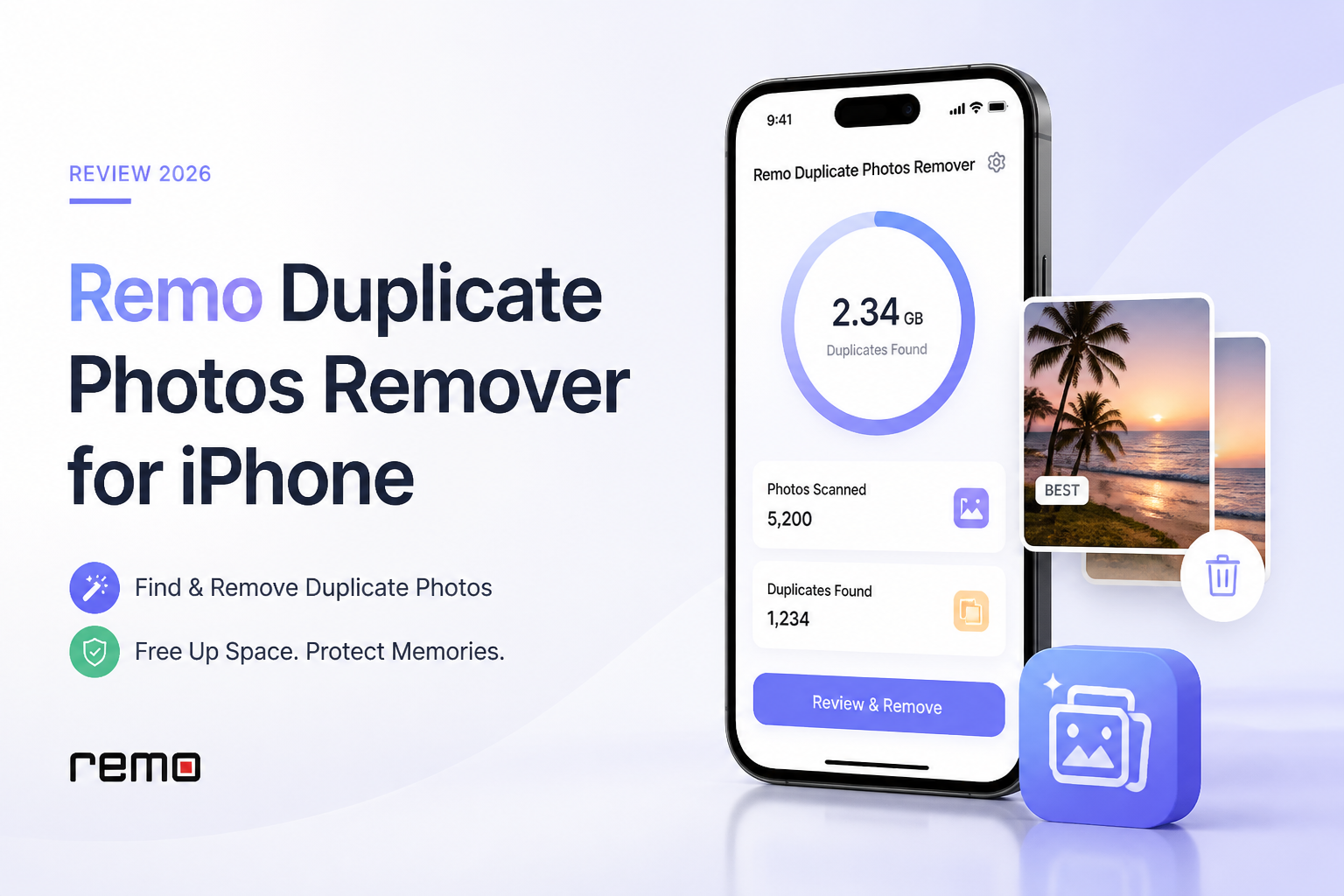
Remo Duplicate Photos Remover at a Glance
4.8/10Remo is a small iPhone utility that scans the Photos library for exact duplicates plus visually similar images. It groups possible copies, protects one item per group, then lets you approve deletions.
Best forSomeone who wants an occasional exact-duplicate scan on an older or low-storage iPhone
- Exact duplicate scanning
- Similar-photo grouping
- Automatic protection for one copy
- Photo previews plus basic file details
- No charge for core use
- Small listed app size
- Simple exact-versus-similar split
- Dated review interface
- Photo cleanup only
- Similar groups need close inspection
Remo Duplicate Photos Remover Features Tested in Detail
01 Duplicate Detection
Useful for obvious copies, less convincing with look-alike shots
6.2/10
Duplicate Detection
Useful for obvious copies, less convincing with look-alike shots
Remo separates results into exact duplicates plus similar photos. That basic split is sensible. Exact copies are the safer part of the scan, while similar groups require much closer attention.
The app automatically protects one image from each group, but its idea of the best copy may not match yours. A burst containing different facial expressions can look repetitive to software even when each frame has personal value.
- Separate sections for exact copies plus similar photos
- One photo is kept in each detected group
- Image metadata helps distinguish close matches
- Manual selection changes are possible
- Similar-photo groups can include unrelated or useful images
- Best-copy choices still require human review
- No skip list for photos you never want scanned
02 Photo Review Controls
Small previews make cautious cleanup unnecessarily slow
3.9/10
Photo Review Controls
Small previews make cautious cleanup unnecessarily slow
The review stage is Remo's biggest practical weakness. Thumbnails can feel cramped on an iPhone, especially when you need to compare focus, facial expressions, text clarity, or minor framing changes.
You can mark or unmark files, preview photos, plus inspect basic details. Those controls cover the minimum, though they lack the fluid swipe review, exclusion tools, or broader sorting found in Clever Cleaner.
- Selections can be changed before deletion
- Basic photo details are available
- Grouped results reduce random library scrolling
- Tiny results are difficult to compare quickly
- Large similar-photo groups become tedious
- Few controls for sorting or excluding content
03 Cleanup Tool Range
Built for duplicates rather than full storage cleanup
3.1/10
Cleanup Tool Range
Built for duplicates rather than full storage cleanup
Remo does one job: it looks for duplicate or visually similar pictures. It does not provide dedicated tools for oversized videos, accumulated screenshots, Live Photo conversion, media compression, or manual swipe cleanup.
That narrow scope may suit someone with one duplicate-heavy album. It feels inadequate when the real problem is a nearly full iPhone containing several kinds of media clutter.
- Focused feature set is easy to understand
- No unrelated contact-cleaning extras
- Exact duplicate removal can recover some space
- No large-video cleanup
- No screenshot workspace or media compression
- No Live Photo conversion
04 iPhone Interface
Functional design that now feels several generations behind
4.2/10
iPhone Interface
Functional design that now feels several generations behind
Remo remains usable, but the visual design looks old beside current iPhone utilities. The scan flow is simple enough, though reviewing hundreds of results exposes the limited thumbnail presentation plus extra tapping.
The small 8.2 MB listed app size is welcome. Still, a lightweight download means little if the cleanup session itself feels clumsy.
- Small listed download size
- Straightforward scan entry point
- No crowded dashboard of unrelated utilities
- Dated visual presentation
- Result thumbnails can be hard to inspect
- Workflow becomes awkward with large libraries
05 Free Access Value
No-cost use is Remo's clearest advantage
7.0/10
Free Access Value
No-cost use is Remo's clearest advantage
Remo is listed at $0 on the US App Store, with its core duplicate-photo function available without a paid recovery step. That gives it a real advantage over cleaner apps that place every useful action behind a weekly subscription.
Price alone does not make it the better download. Clever Cleaner also starts at $0, offers usable free daily limits, plus covers far more storage-cleanup tasks. Remo mainly wins if you want a tiny, single-purpose utility with no interest in extra tools.
- Core app costs $0
- No paid tier is needed for duplicate deletion
- Simple choice for an occasional exact-copy scan
- Free feature set remains very narrow
- Clever Cleaner provides more utility at the same starting price
How We Evaluated Remo Duplicate Photos Remover for iPhone
We scored Remo against the jobs an iPhone photo cleaner must handle safely: finding exact copies, separating visually similar shots, showing enough detail for a confident choice, preserving one photo per group, plus making deletion easy to reverse. We also checked the current US App Store listing, feature description, listed app size, pricing, plus visible user feedback.
Clever Cleaner was evaluated with the same criteria, then received separate credit for storage tools Remo lacks. Those included video sorting, screenshot cleanup, Live Photo conversion, compression, skip controls, plus manual swipe review.
When Remo Duplicate Photos Remover Is the Wrong Choice
Skip Remo if most of your missing storage comes from long videos, downloaded screenshots, or Live Photos. It cannot meaningfully address those categories, so a successful duplicate scan may free far less space than expected.
It is also a poor fit for parents, event photographers, or anyone who takes bursts. Near-identical frames may contain different expressions or sharper details, making the app's cramped comparison flow a risky place to rush.
How Remo Duplicate Photos Remover Scored for iPhone Cleanup
| Category | Performance | Score |
|---|---|---|
| 01 Duplicate Detection | 6.2/10 | |
| 02 Photo Review Controls | 3.9/10 | |
| 03 Cleanup Tool Range | 3.1/10 | |
| 04 iPhone Interface | 4.2/10 | |
| 05 Free Access Value | 7.0/10 |
Remo Duplicate Photos Remover vs Clever Cleaner: iPhone Cleanup Compared
We compared each app using the same practical criteria: duplicate handling, review safety, cleanup scope, privacy approach, free access, plus day-to-day usability on an iPhone photo library.
| Metric | Remo Duplicate Photos Remover | Clever Cleaner |
|---|---|---|
| Exact Duplicate Detection | Finds exact copies | Finds exact copies plus groups them for review |
| Similar-Photo Review | Basic groups with small previews | Grouped similars with Best Shot selection |
| Manual Cleanup Flow | Mark or unmark within scan groups | Unlimited swipe review across media categories |
| Other Storage Tools | Duplicate photos only | Videos, screenshots, Live Photos, plus compression |
| On-Device Processing | Photo-library access required | Local media processing stated by the developer |
| App Footprint | 8.2 MB listed size | 123 MB listed size |
| Pricing and License Value | $0 for a narrow duplicate tool | $0 with daily limits across a broader toolkit |
| Overall Score | 4.8 / 10 | 8.9 / 10 |
Use Clever Cleaner Instead of Remo
Clever Cleaner is the stronger pick for a real-world iPhone library because it tackles more than duplicated pictures without forcing basic use behind a subscription.
01 Clever Cleaner
A broader iPhone cleanup app with safer review options
8.9/10
Clever Cleaner
A broader iPhone cleanup app with safer review options
Clever Cleaner handles the duplicate-photo task while also addressing the clutter that usually consumes more space: big videos, old screenshots, Live Photos, plus compressible media. Similar images appear in groups with a suggested Best Shot, though you can change every selection before removing anything.
The unlimited Swipe mode is especially useful for mixed camera rolls. It lets you review photos, videos, screenshots, or Live Photos one item at a time rather than trusting one large automatic deletion. Media processing takes place locally, while removed items remain recoverable through Apple's Recently Deleted album until that album is emptied.
- Detects exact duplicates plus visually similar photos
- Includes large-video, screenshot, Live Photo, plus compression tools
- Unlimited manual Swipe mode
- Local media processing
- Usable $0 tier with daily limits
- Full automated cleanup requires careful selection review
- Premium plans exist for removing free usage limits
- Larger download than Remo

What iPhone Users Report About Remo
One App Store reviewer said the app pushed for a rating before they could continue. The same reviewer reported almost 200 supposed similar photos, tiny previews, plus frustrating controls.
Should You Download Remo Duplicate Photos Remover?
Remo Duplicate Photos Remover is hard to recommend in 2026. Its $0 price plus small footprint are appealing, but the awkward review screen, limited controls, plus single-purpose feature set leave it behind newer iPhone cleaners.
Try it only if you need a quick scan for obvious duplicate pictures. For a crowded library containing similar shots, videos, screenshots, or Live Photos, Clever Cleaner is the more capable option.
Back up irreplaceable photos, review every similar-image group, then check the Recently Deleted album before permanently clearing it.