Disk Drill for Mac Review: Features, Recovery Quality, and Pricing
Disk Drill makes a stressful recovery job unusually easy to navigate. Its broad device support plus strong preview tools are useful, though Mac users must pay before restoring most unprotected files.
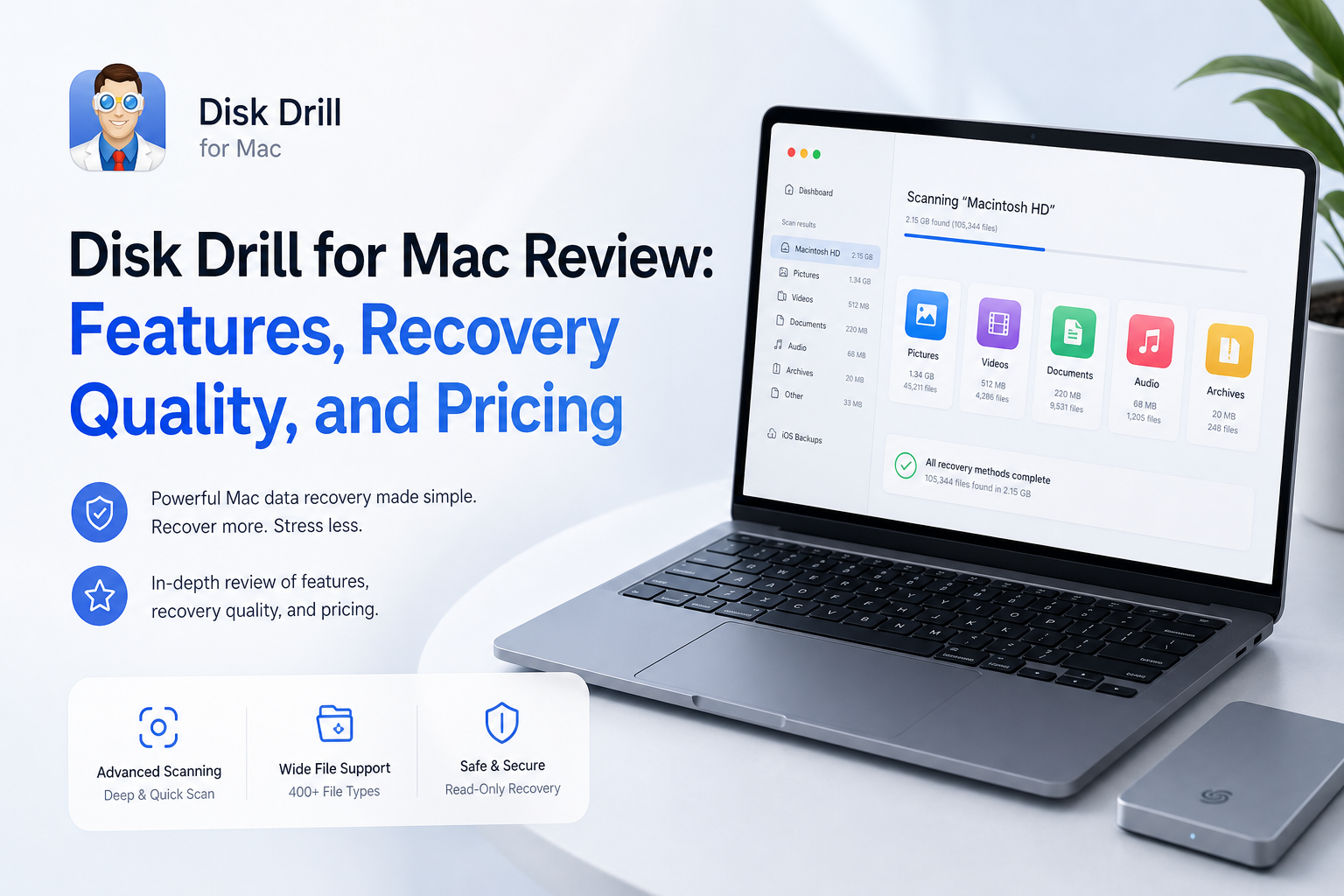
Disk Drill is one of the easier Mac recovery apps to figure out under pressure. It scans internal disks, external drives, memory cards, disk images, iPhones, plus several RAID setups. The catch is simple: Mac users can scan or preview lost files for free, but most actual recovery requires PRO.
The Scorecard
| Category | Performance | Score |
|---|---|---|
| 01 Recovery quality | 9.2/10 | |
| 02 Mac experience | 9.4/10 | |
| 03 Scanning & previews | 9.0/10 | |
| 04 Device & feature coverage | 8.7/10 | |
| 05 Plans & actual cost | 7.2/10 |
The Full Breakdown
01 Recovery quality
Most convincing with visible, previewable files
9.2/10
Recovery quality
Most convincing with visible, previewable files
Disk Drill handles common Mac recovery cases well, including deleted folders, formatted removable media, missing partitions, plus drives with damaged file systems. It supports APFS, HFS+, FAT32, exFAT, NTFS, plus signature-based reconstruction when useful file-system records are gone.
The preview step matters more than a big found-file count. If a photo opens at full size or a video plays correctly in preview, that is a reassuring sign. A filename appearing in the results does not guarantee that its contents survived intact.
Results depend heavily on what happened after deletion. TRIM-enabled internal SSDs remain a hard case for every recovery utility. An untouched SD card or external hard drive usually offers a more realistic shot.
- Good coverage of common Mac file systems
- Can reconstruct files when directory records are missing
- Recovery-chance labels help sort large result sets
- Useful results from disk images as well as physical media
- Original filenames or folder paths may be lost after raw reconstruction
- No software can reverse overwritten data or completed SSD TRIM

02 Mac experience
Clear enough to use during a minor panic
9.4/10
Mac experience
Clear enough to use during a minor panic
The Mac interface keeps the main job straightforward: choose a device, start the lost-data search, inspect the results, then recover to a safe destination. Drives, volumes, plus disk images are presented clearly enough that a first-time user is less likely to scan the wrong item.
Filters for file type, size, date, recovery chance, plus filename cut down the mess. Finder-style previews also make photo or document checks feel familiar. Some advanced utilities add visual clutter, though they stay out of the core recovery path.
Disk Drill 6 supports modern Apple silicon Macs plus current macOS releases. Older Disk Drill builds remain available for Macs that cannot run the newest version.
- Clean device list with an obvious scan action
- Good use of macOS Quick Look previews
- Results can be filtered without learning recovery jargon
- Native support for Apple silicon
- macOS security permissions can make initial setup feel fussy
- Extra utilities make the sidebar busier than necessary
03 Scanning & previews
A sensible way to check before paying
9.0/10
Scanning & previews
A sensible way to check before paying
Disk Drill combines file-system scanning with deeper signature searches, so there is no need to choose between several cryptic scan modes for a normal job. Results appear while the scan is still running. You can pause, save the session, or begin checking files before the full pass finishes.
Unlimited scanning plus previewing is the free Mac edition's real value. Before buying, open several important files rather than checking one thumbnail. For video, scrub through different sections. For photos, zoom in. For documents, inspect multiple pages.
Byte-to-byte backup is a particularly useful inclusion. It creates an image that can be scanned instead of repeatedly stressing questionable media. A clicking, disconnecting, or badly degraded drive should still go to a recovery lab rather than through repeated DIY scans.
- Scan results appear before the search completes
- Sessions can be saved for later inspection
- Broad preview support through macOS
- Byte-to-byte imaging reduces repeat access to source media
- Deep scans can produce many duplicates or generic filenames
- A working preview improves confidence but is not a formal guarantee
04 Device & feature coverage
More than a deleted-file utility
8.7/10
Device & feature coverage
More than a deleted-file utility
Disk Drill can work with internal Mac storage, USB disks, hard drives, SSDs, SD cards, microSD cards, camera media, disk images, selected RAID configurations, iPhones, plus iPads. Advanced Camera Recovery is built for media that may contain fragmented video, a common problem with action cameras, drones, plus conventional cameras.
The supporting tools include S.M.A.R.T. monitoring, storage cleanup, duplicate finding, data shredding, Recovery Vault, plus Guaranteed Recovery. Recovery Vault stores file metadata, while Guaranteed Recovery can preserve recoverable copies of protected deleted files. These features help only after they have been enabled.
Mobile recovery has limits. Disk Drill generally works from accessible device data or backups. It cannot bypass an unknown passcode, Activation Lock, or hardware-level encryption.
- Works with common removable media plus disk images
- Advanced Camera Recovery targets fragmented media files
- Includes preventive protection tools for future deletions
- One PRO license covers macOS plus Windows
- Several extras overlap with tools already built into macOS
- iPhone recovery depends on device access or available backups
05 Plans & actual cost
Easy to evaluate, not cheap to unlock
7.2/10
Plans & actual cost
Easy to evaluate, not cheap to unlock
Disk Drill Basic for Mac costs nothing to install. It can scan supported storage plus preview recoverable files without a result cap. It normally cannot restore newly discovered files for free. Free restoration is mainly limited to data already protected through Recovery Vault or Guaranteed Recovery.
Current list pricing is $89 per year for PRO or $149 for a lifetime license. One personal license covers a single user on up to three devices, with Mac plus Windows activation included. Taxes may change the checkout total.
The annual plan renews automatically unless canceled. The lifetime option avoids that issue, though the upfront cost feels high for somebody recovering one small folder. Purchases are generally treated as non-refundable once the activation code is delivered, except where consumer law requires otherwise. Scan plus preview carefully before paying.
- Basic edition allows unlimited scans plus previews
- Single license works on Mac plus Windows
- Lifetime license includes future Disk Drill upgrades
- Up to three personal devices are covered
- Mac Basic is mostly scan plus preview, not free recovery
- Annual billing is expensive for a one-time emergency
- Strict refund terms make pre-purchase preview checks essential