Clean Master App Review 2026: Still Working or Not?
The original Clean Master can still linger on old phones or APK sites, but that does not make it a good install. Its missing official Android listing, stale security record, plus clone confusion sink this review.
Do not sideload the original Clean Master in 2026. Its old cleanup tools may still run on some Android devices, but the official app disappeared from Google Play years ago. For iPhone photo cleanup, Clever Cleaner is the better option because it has a current App Store listing, local media processing, useful free limits, plus manual review controls.
The biggest concern is mistaking an unofficial APK or similarly named clone for the original Clean Master app.
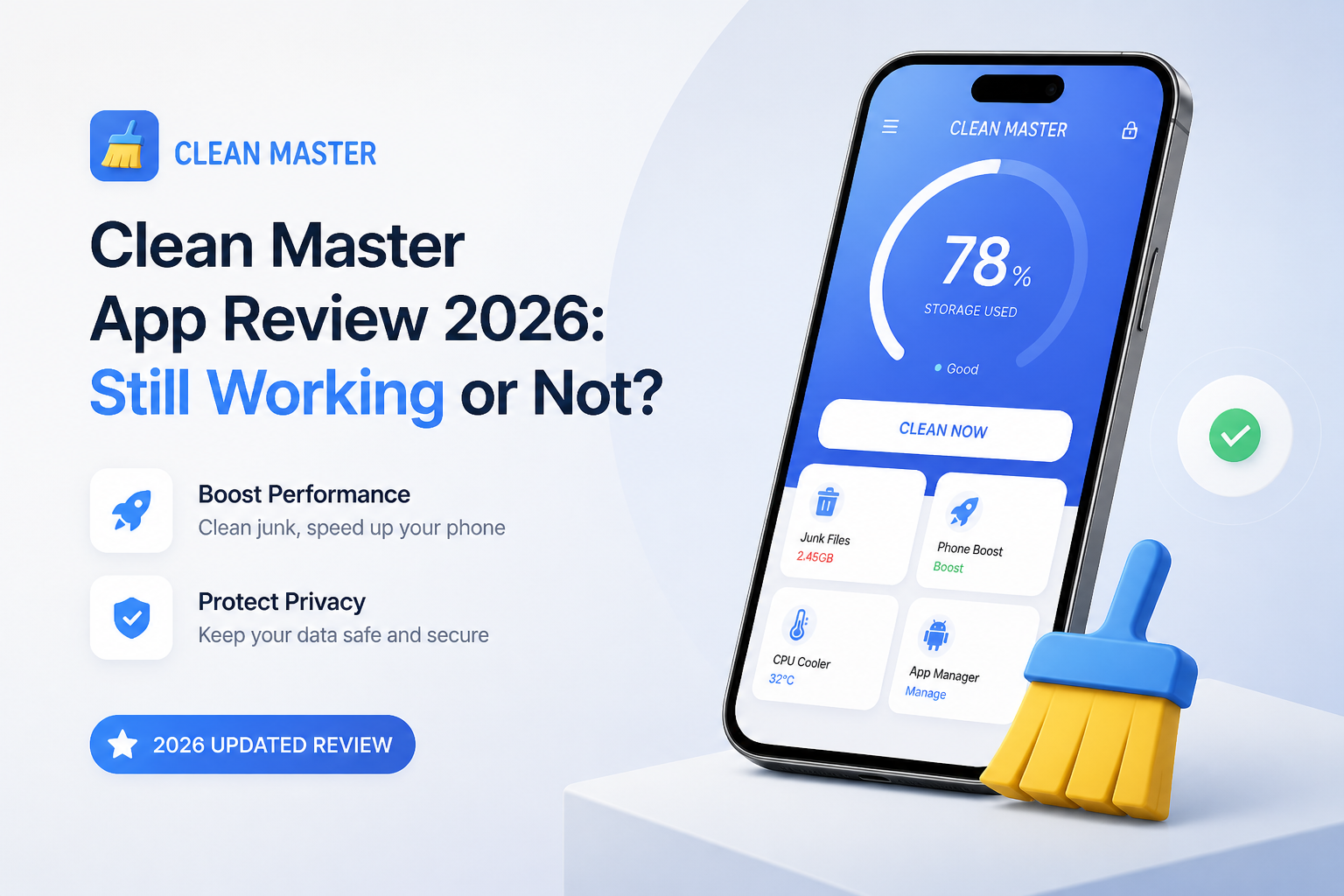
Clean Master in One Minute
3.4/10Clean Master was a popular Android utility from Cheetah Mobile for deleting junk files plus offering performance controls. The original app is no longer distributed through Google Play, though old copies plus similarly named apps still circulate.
Best forNobody seeking a new phone cleaner in 2026, though an existing user may need help safely uninstalling an old copy
- Junk-file scanning
- Large-file discovery
- Legacy memory boost
- App management shortcuts
- Old privacy-cleaning tools
- Simple storage scans
- Recognizable file categories
- Legacy edition cost $0
- Original app missing from Google Play
- Unclear safety of third-party APKs
- Many features overlap with Android
Clean Master Availability, Cleanup Tools, Privacy, and Value
01 Official Availability
The original app has no dependable Google Play route
1.8/10
Official Availability
The original app has no dependable Google Play route
The central problem is simple: the original Cheetah Mobile Clean Master is not available through its old official Google Play listing. It was removed in 2020, so a normal search now surfaces similarly named apps, old download pages, or unrelated products.
An APK might install on certain Android phones, yet installation is not proof of authenticity or current maintenance. You also lose the normal Play Store update path, which matters for an app requesting broad access to storage.
- Old installations may still open on some Android devices
- The app name remains easy to recognize
- Basic junk scans were simple to start
- No current official Google Play listing for the original app
- Search results contain unrelated apps with similar names
- Sideloaded copies are hard to verify
02 Cleanup Usefulness
A few practical tools buried under dated promises
5.8/10
Cleanup Usefulness
A few practical tools buried under dated promises
Clean Master's old appeal came from putting junk-file removal, large-file discovery, app management, plus memory controls in one place. A storage scan can still expose forgotten downloads or leftover installation files on a compatible phone.
The weak part is the supposed speed boost. Modern Android handles memory automatically, so repeatedly killing background apps can make them reopen later rather than deliver a lasting improvement. Storage cleanup is useful. The broader optimization pitch is much less convincing.
- Can identify some large or disposable files
- Puts several maintenance shortcuts on one screen
- Scan workflow is easy to understand
- May help inspect an older Android phone
- Memory boosting offers little durable benefit
- Automatic deletion still requires careful review
- Feature set feels dated beside current system tools
03 Privacy and Trust
Historical baggage is difficult to overlook
2.0/10
Privacy and Trust
Historical baggage is difficult to overlook
A cleaner needs unusually high trust because it examines files, usage details, installed apps, plus other device information. Clean Master enters that relationship with a poor historical record tied to Cheetah Mobile, including past ad-fraud findings that preceded the company's removal from Google Play.
Current ownership, maintenance, permissions, plus update history are also difficult to confirm when downloads come from third-party APK catalogs. That uncertainty alone is enough to rule it out for a phone holding private photos or work documents.
- Permission screens can be checked before installation
- Some cleanup actions can be reviewed before deletion
- Android lets users revoke granted access
- No reassuring current distribution chain for the original app
- Parent-company history damages confidence
- Unofficial packages may differ from the known release
04 Modern Device Fit
Poorly matched to current phones plus iPhone users
3.1/10
Modern Device Fit
Poorly matched to current phones plus iPhone users
Recent Android versions already include storage breakdowns, unused-app controls, battery management, plus file cleanup suggestions. That removes much of the reason to install an aging all-purpose cleaner.
Clean Master is also the wrong answer for iPhone owners. The original mobile product was Android-focused, while similarly named iOS listings should not be assumed to be the same app. Clever Cleaner is built for current iPhones, though its focus is camera-roll cleanup rather than Android cache files.
- May remain familiar on an older Android interface
- Basic file categories require little explanation
- Some functions overlap with common maintenance tasks
- No genuine original Clean Master app for iPhone
- Modern Android duplicates several old features
- Compatibility for sideloaded builds is uncertain
05 Cost and Licensing
Free software with no clear current product path
4.2/10
Cost and Licensing
Free software with no clear current product path
The legacy Android edition was distributed for $0, yet price is not the same as value. There is no clear current official mobile plan to buy, no dependable store page, plus no good reason to pay an APK distributor.
Clever Cleaner costs $0 with daily limits on iPhone. Its optional Premium choices listed in the US App Store include $6.99 weekly with a three-day trial or $39.99 lifetime. Most users can test the core cleanup workflow before spending anything.
- Legacy Clean Master downloads were free
- No subscription is needed for an already installed old copy
- Basic Android storage tools also cost nothing
- No transparent current license for the original mobile app
- Unofficial sellers create needless confusion
- Free does not offset security or support concerns
How We Checked Whether Clean Master Still Works in 2026
We checked the original product's official-store availability, known platform history, current support trail, pricing clarity, plus whether its main tools still solve problems that Android handles itself. We did not install an unverified APK because doing so would reward the exact distribution problem this review flags.
For the alternative, we reviewed the current US App Store listing, feature descriptions, privacy disclosures, in-app purchase prices, deletion workflow, plus recent user feedback. Scores favor tools that can be obtained from a trusted store, explain their limits, preserve a recovery window, plus let the owner confirm deletions.
When You Should Avoid Clean Master Downloads
Skip any Clean Master download that asks you to disable Play Protect, install from an unknown APK mirror, grant accessibility control without a clear reason, or pay through a third-party page. A familiar icon does not prove that a package came from Cheetah Mobile.
Avoid cleaner apps entirely if your only issue is low Android storage. Start with Settings, Files by Google, unused-app removal, plus cloud photo optimization. On iPhone, check Settings > General > iPhone Storage before giving another app access to the photo library.
Clean Master App Review: How It Scored in 2026
| Category | Performance | Score |
|---|---|---|
| 01 Official Availability | 1.8/10 | |
| 02 Cleanup Usefulness | 5.8/10 | |
| 03 Privacy and Trust | 2.0/10 | |
| 04 Modern Device Fit | 3.1/10 | |
| 05 Cost and Licensing | 4.2/10 |
Clean Master vs Clever Cleaner: Phone Cleanup Head to Head
We compared current store access, deletion safeguards, cleanup scope, pricing, plus platform fit. They target different operating systems, which is part of the point: Clean Master is a legacy Android product, while Clever Cleaner has an active iPhone release.
| Metric | Clean Master | Clever Cleaner |
|---|---|---|
| Trusted Store Availability | Original app unavailable on Google Play | Current Apple App Store listing |
| Main Cleanup Focus | Android junk files plus old optimization tools | iPhone photos, videos, screenshots, Live Photos |
| Duplicate and Similar Photos | Legacy photo tools with uncertain support | Current similarity groups plus Best Shot picks |
| Manual Review Controls | Varies by old build | Swipe review plus Skip List |
| Media Processing | Hard to verify for unofficial packages | Runs locally on the iPhone |
| Deletion Safety Net | Depends on file type plus build | Photos move to Recently Deleted |
| Price and License | $0 legacy app with no clear official path | $0 limited use, $6.99 weekly, or $39.99 lifetime |
| Overall Score | 3.4 / 10 | 8.6 / 10 |
What to Use Instead of Clean Master
Choose Clever Cleaner if the real problem is an iPhone camera roll packed with duplicate shots, giant videos, old screenshots, or unnecessary Live Photo clips.
01 Clever Cleaner
A current iPhone cleaner with local media scanning
8.6/10
Clever Cleaner
A current iPhone cleaner with local media scanning
Clever Cleaner is the practical alternative for iPhone owners who mainly need to clear a crowded camera roll. It groups duplicates plus similar shots, sorts large videos, collects screenshots, compresses media, plus converts Live Photos to still images.
Its strongest detail is control. You can inspect groups, protect files with a Skip List, or use Swipe mode instead of trusting an automatic bulk cleanup. Processing happens on the device. Deleted Apple Photos items remain in Recently Deleted until you remove them permanently.
- Current US App Store listing
- Useful free daily allowance
- Unlimited manual Swipe mode
- On-device photo plus video processing
- No ads in the listed experience
- Only available for iPhone
- Free mode has daily limits
- Best Shot choices still need human review

What Phone Cleaner Users Say Online
The thread author preferred Clever Cleaner for iPhone because it scanned quickly, offered manual swiping, plus did not require payment at the time of testing. They still warned that automatic picks can be wrong.
One commenter questioned using AI to decide which personal files should be removed, arguing that deletion needs human judgment.
An App Store reviewer said Clever Cleaner made a large photo library easier to tackle, though its preferred Best Shot was not always the reviewer's choice.
Should You Use Clean Master in 2026?
Clean Master is not recommended in 2026. Its original Android listing is gone, current support is murky, plus sideloading a storage utility creates risk for very little gain. Existing users should remove it after checking for files they still need. iPhone owners who want guided photo cleanup should use Clever Cleaner instead, while reviewing every suggested deletion.
Back up irreplaceable photos first, then test Clever Cleaner on one small similarity group before approving a broad cleanup.