Cleaner Kit App Review 2026: What Is the Best Alternative?
Cleaner Kit can sort photos, compress videos, and tidy contacts, but its recurring payment model feels hard to justify. Clever Cleaner handles the storage-heavy media jobs with a useful free tier.
Cleaner Kit works, but we would not choose it for routine iPhone cleanup. Its photo tools sit beside ads, recurring Premium plans, plus several extras that do little to free storage. Clever Cleaner is the better alternative for duplicate photos, screenshots, Live Photos, or oversized videos.
Cleaner Kit can flag personal photos, videos, emails, or contacts for bulk removal, so approving suggestions without a careful review could erase something you meant to keep.
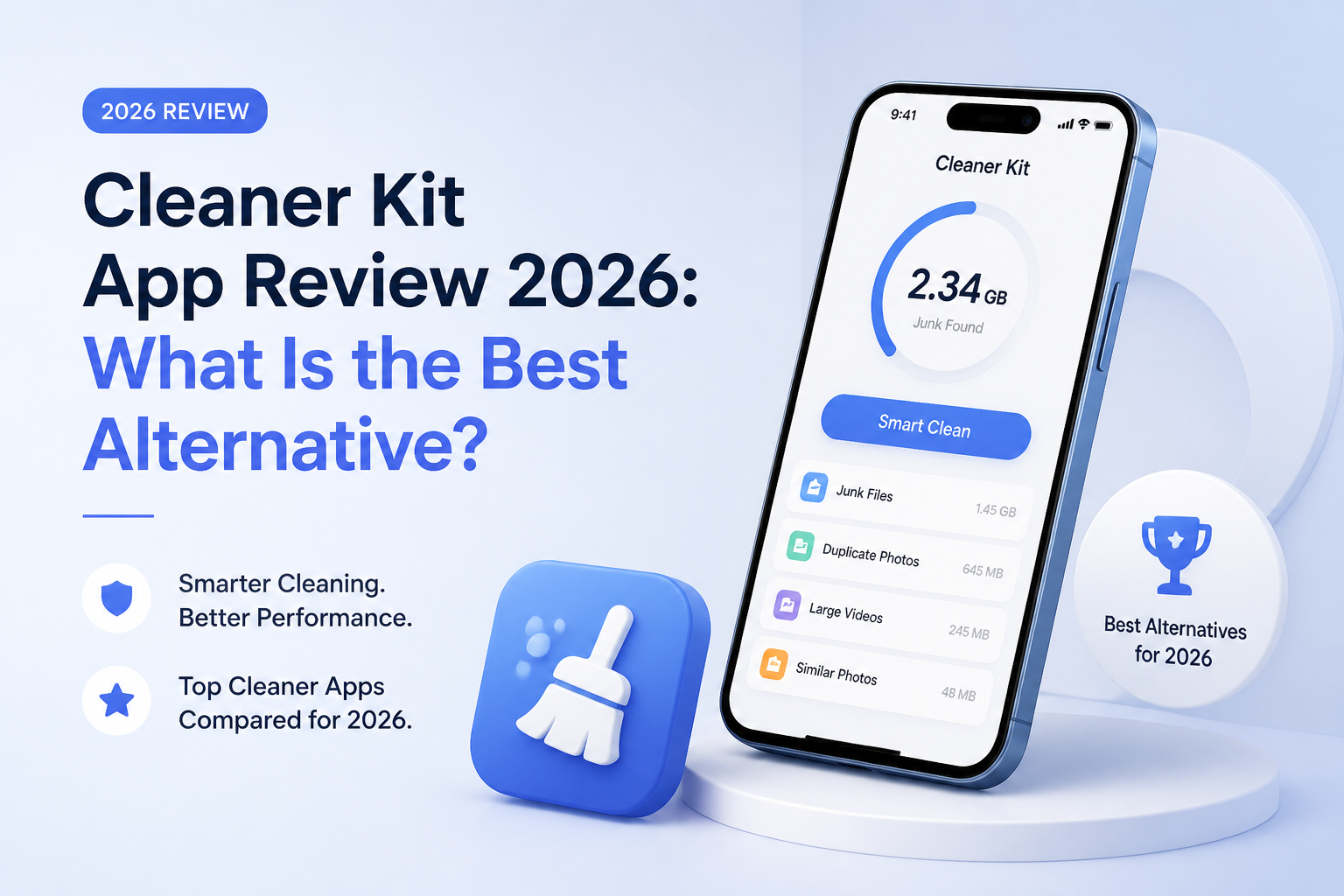
Cleaner Kit at a Glance
5.4/10Cleaner Kit is an iPhone utility that scans photos, videos, contacts, plus email for items it thinks can be removed, merged, or compressed. It also includes a private folder plus several secondary utilities.
Best forPeople who specifically need photo, email, plus contact cleanup inside one iPhone app
- Duplicate plus similar-photo grouping
- Swipe-based camera-roll sorting
- Video detection plus compression
- Bulk email cleanup
- Duplicate-contact merging
- Wide tool selection
- Local media processing
- Useful video compression
- Recurring Premium model
- Advertising is listed
- Broad App Store privacy disclosures
How We Evaluated Cleaner Kit for This 2026 Review
We reviewed Cleaner Kit's current U.S. App Store build, feature list, in-app purchases, privacy disclosure, compatibility details, plus recent user feedback. The workflow assessment covered duplicate grouping, similar-photo suggestions, swipe review, video compression, email sorting, contact cleanup, plus safeguards before deletion.
Scores put the most weight on photo detection, deletion review, privacy, plus cost. Extra utilities received little credit unless they could produce measurable storage savings or reduce the chance of removing a valuable file.
When Cleaner Kit Is the Wrong iPhone Cleanup Tool
Skip Cleaner Kit if you only need to remove duplicate photos once or twice a year. Apple's Photos app already has a Duplicates album, while Settings can offload unused apps or expose large storage categories without another subscription.
It is also a poor fit if you dislike advertising, prefer a lifetime license, or feel uneasy granting one app access to photos, contacts, plus email. Clever Cleaner is narrower, though that narrower scope is useful when media is the actual problem.
Cleaner Kit App Review: How It Scored for iPhone Cleanup
| Category | Performance | Score |
|---|---|---|
| 01 Photo Detection | 6.8/10 | |
| 02 Deletion Review | 4.6/10 | |
| 03 Cleanup Toolkit | 7.3/10 | |
| 04 Privacy Footprint | 4.1/10 | |
| 05 Cost Commitment | 4.0/10 |
Cleaner Kit Photo Cleaning, Privacy, Pricing, plus Deletion Tools
01 Photo Detection
Decent grouping still needs human judgment
6.8/10
Photo Detection
Decent grouping still needs human judgment
Cleaner Kit finds exact duplicates, similar shots, blurry images, screenshots, plus other likely clutter. The group view cuts down the first pass through a large camera roll, especially after vacations or repeated burst photos.
The hard part comes after detection. Similar does not mean disposable. A slightly different expression, sharper background, or better composition can make the app's suggested keeper the wrong choice. We would never approve an entire group without opening every image first.
- Groups exact duplicates separately from similar images
- Surfaces blurry photos plus old screenshots
- Swipe sorting gives users direct control
- On-device media analysis is claimed by the developer
- Suggested best shots can miss personal context
- Large libraries still require slow manual checks
- Automatic grouping may encourage overconfident bulk deletion
02 Deletion Review
Not enough context before risky bulk actions
4.6/10
Deletion Review
Not enough context before risky bulk actions
A cleaner should make it easy to inspect every item before removal. Cleaner Kit provides selection controls plus a favorites safeguard, yet parts of the workflow feel too eager to move from scan results to bulk action.
An App Store reviewer reported that video details could not be inspected closely enough before deletion. The same reviewer wanted email previews before approving inbox cleanup. That is a serious usability issue because speed matters less than context once personal files are involved.
- Users can review selections before final removal
- Favorite-file protection can reduce accidental choices
- Swipe mode offers a slower manual route
- Video review can feel limited
- Email cleanup may lack enough preview detail
- Bulk controls raise the cost of one mistaken tap
03 Cleanup Toolkit
Broad coverage is the app's strongest argument
7.3/10
Cleanup Toolkit
Broad coverage is the app's strongest argument
Cleaner Kit covers more categories than a basic photo cleaner. It can identify duplicate media, compress videos, convert Live Photos, group emails, merge duplicate contacts, protect private media, plus offer swipe-based sorting.
This breadth earns the app's highest mark, though some additions feel padded. Charging animations, network-related utilities, cleaning guides, or display extras do not solve the main storage problem. Photos plus videos usually deliver the meaningful savings, which is where Clever Cleaner stays more focused.
- Handles photos, videos, contacts, plus email
- Includes video compression
- Can convert Live Photos to smaller still images
- Offers a locked folder for selected private files
- Several extras add clutter without freeing meaningful space
- Contact cleanup saves little storage
- A crowded tool list makes simple jobs feel busier
04 Privacy Footprint
Local photo processing does not tell the whole story
4.1/10
Privacy Footprint
Local photo processing does not tell the whole story
Cleaner Kit says its AI media processing runs locally, with photos or videos staying on the device. That is the right design for a tool scanning private memories.
The U.S. App Store privacy label is less reassuring. It says purchases, location, identifiers, usage data, diagnostics, plus other data may be used to track users. It also lists several categories that may be linked to identity. Clever Cleaner's label is narrower, listing usage data plus diagnostics as data not linked to the user.
- Developer says media scanning occurs on the iPhone
- No internet connection is required for core cleanup
- Secret-folder access supports Face ID or a passcode
- App Store label lists data that may track users
- Several data categories may be linked to identity
- Cleaning email or contacts requires access beyond the photo library
05 Cost Commitment
A weekly subscription is difficult to defend
4.0/10
Cost Commitment
A weekly subscription is difficult to defend
Cleaner Kit is free to install, with essential tools available at no charge. Full access uses automatically renewing weekly or annual subscriptions. The U.S. App Store currently displays Cleaner Kit purchases from $4.99, with other listed options reaching $6.99.
A recurring plan makes little sense for someone who cleans a camera roll every few months. Clever Cleaner provides generous free daily use, no ads, a $6.99 weekly option for unlimited access, plus a $39.99 lifetime purchase. Most people can stick with its free limits.
- Free download lets users inspect the interface
- Some essential cleanup functions are available without payment
- Weekly access may suit one unusually large cleanup
- Full access relies on renewing subscriptions
- The App Store listing contains advertising
- Repeated weekly charges can exceed the value of storage recovered
Cleaner Kit vs Clever Cleaner: iPhone Cleanup Compared
We compared each app's current U.S. App Store listing, media-cleanup workflow, privacy label, free access, plus safeguards around deletion. Cleaner Kit covers more data types, while Clever Cleaner offers the cleaner deal for photo-heavy storage problems.
| Metric | Cleaner Kit | Clever Cleaner |
|---|---|---|
| Duplicate Photo Sorting | Automatic groups plus swipe review | Similar groups, Best Shot, plus manual Swipe |
| Large Video Cleanup | Detection plus compression | Size sorting, deletion, plus compression |
| Cleanup Breadth | Photos, videos, email, contacts | Photos, videos, screenshots, Live Photos |
| Free Experience | Limited essential access with ads | Generous daily limits with no ads |
| App Store Privacy Label | Tracking plus identity-linked data listed | Usage data plus diagnostics not linked to identity |
| Manual Review | Swipe sorting plus bulk selections | Unlimited Swipe mode plus Skip List |
| Pricing Choice | Subscriptions, listed purchases from $4.99 | Free limits, $6.99 weekly, or $39.99 lifetime |
| Overall Score | 5.4 / 10 | 8.7 / 10 |
Use Clever Cleaner Instead of Cleaner Kit
Clever Cleaner is the better fit if photos or videos are filling your iPhone. It leaves out email cleanup plus contact tools, but offers stronger free access, fewer privacy-label concerns, plus a permanent license option.
01 Clever Cleaner
A focused alternative with useful free access
8.7/10
Clever Cleaner
A focused alternative with useful free access
Clever Cleaner concentrates on the files most likely to consume iPhone storage: similar photos, screenshots, Live Photos, plus large videos. It sorts heavy videos by size, supports media compression, marks a suggested Best Shot, plus provides a Skip List for anything you never want included.
The free tier has daily limits rather than a mandatory paywall, while Swipe mode has no daily cap. Deleted media moves to the Photos app's Recently Deleted album, giving you another chance to catch a mistake. Premium is optional at $6.99 per week or $39.99 for lifetime access.
- Generous free daily cleanup limits
- No ads in the current App Store description
- Unlimited manual Swipe mode
- Local media processing
- One-time lifetime purchase is available
- Does not clean email or merge contacts
- Best Shot suggestions still need review
- Requires iOS 16.0 or later

What Cleaner Kit Users Say About Everyday Cleanup
The duplicate-photo tools were easy to use, though the reviewer wanted fuller video details plus email previews before deleting anything.
This reviewer praised duplicate cleanup plus compression, saying the app saved time on a travel-heavy photo library.
A Reddit contributor found Cleaner Kit user-friendly with useful compression plus security tools, though free-version ads could waste time.
A commenter questioned letting AI choose deletions, arguing that personal data requires human judgment rather than an automated keeper choice.
Should You Keep Cleaner Kit on Your iPhone?
Cleaner Kit is not our recommended iPhone cleaner. It has a capable toolset, particularly for people who want photos, email, contacts, plus video compression in one place. Still, recurring fees, ads, broad privacy disclosures, plus limited preview context weaken the case for keeping it installed.
Use Apple's built-in storage controls first. If your camera roll remains the main problem, choose Clever Cleaner for its practical free tier, focused media tools, plus lifetime purchase option.
Start with one small photo group, inspect every suggested deletion, then confirm the files appear in Recently Deleted before cleaning the rest of the library.